Owner & settings
Platform admin (JonakiSoft)
The JonakiSoft platform console in brief — all companies, plan and expiry, enabling and disabling a company, viewing as its owner, website contact requests and the price cards
Who it is for:Platform admin
This chapter is for the JonakiSoft team only; dealers don't see these pages. A platform admin signs in on the same sign-in page and goes straight to the platform console (/platform).
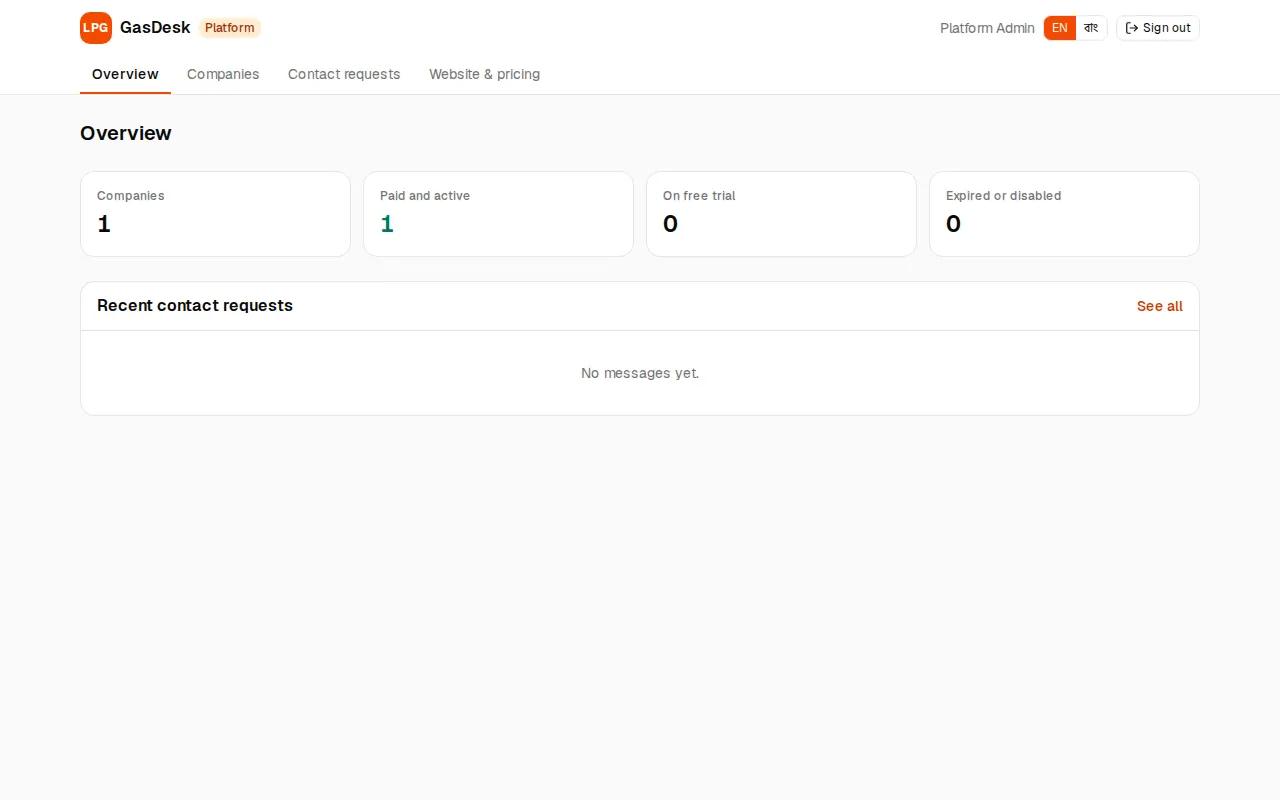
Overview
How many companies there are — Paid and active, On free trial, Expired or disabled — and the latest contact requests from the website.
Companies
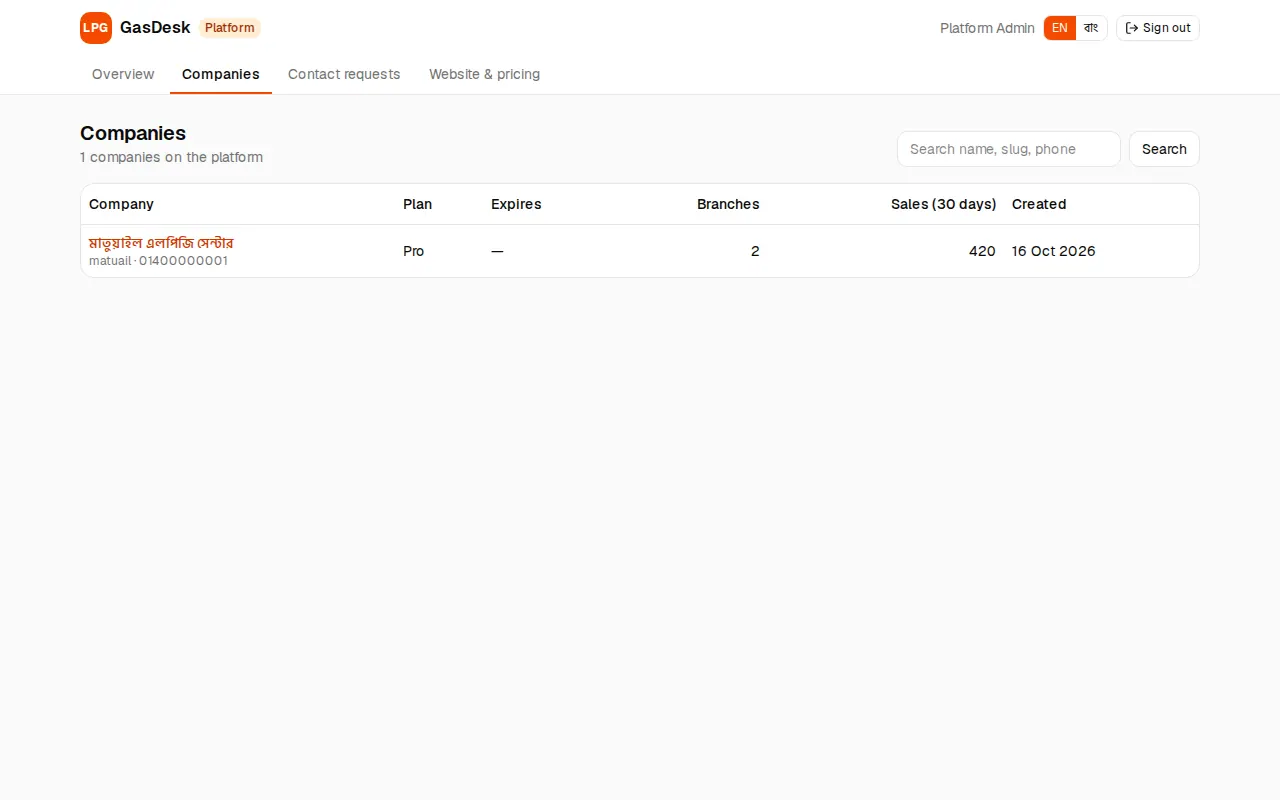
Companies lists every dealer: name, plan, expiry, branches, sales in the last 30 days, created. Search by name, slug or phone. Open a company to see:
- Branches and staff (role, last sign-in), total sales, last sale, licence status.
- Plan and expiry: pick a plan, then Extend by days, Set a date, Never expires or Expire now — and Save plan.
- Disable company / Enable company: while disabled nobody can sign in.
- View as owner: opens the company through its owner's eyes for one hour, for support. An orange bar says "Viewing as the owner of … Changes are real." Press Exit when done.
Contact requests and the website
- Contact requests: messages from the website contact form. Each has a status (new / contacted / closed) and an internal note.
- Website & pricing: the support phone, WhatsApp, email and address on the website, and the price cards (plan name, monthly/yearly price, max branches, feature list, one-time licence). The keys STARTER, BUSINESS, PRO match a company's plan. Saving updates the website at once.
When a platform admin connects an AI app it can only read the company list (no safe actions).